

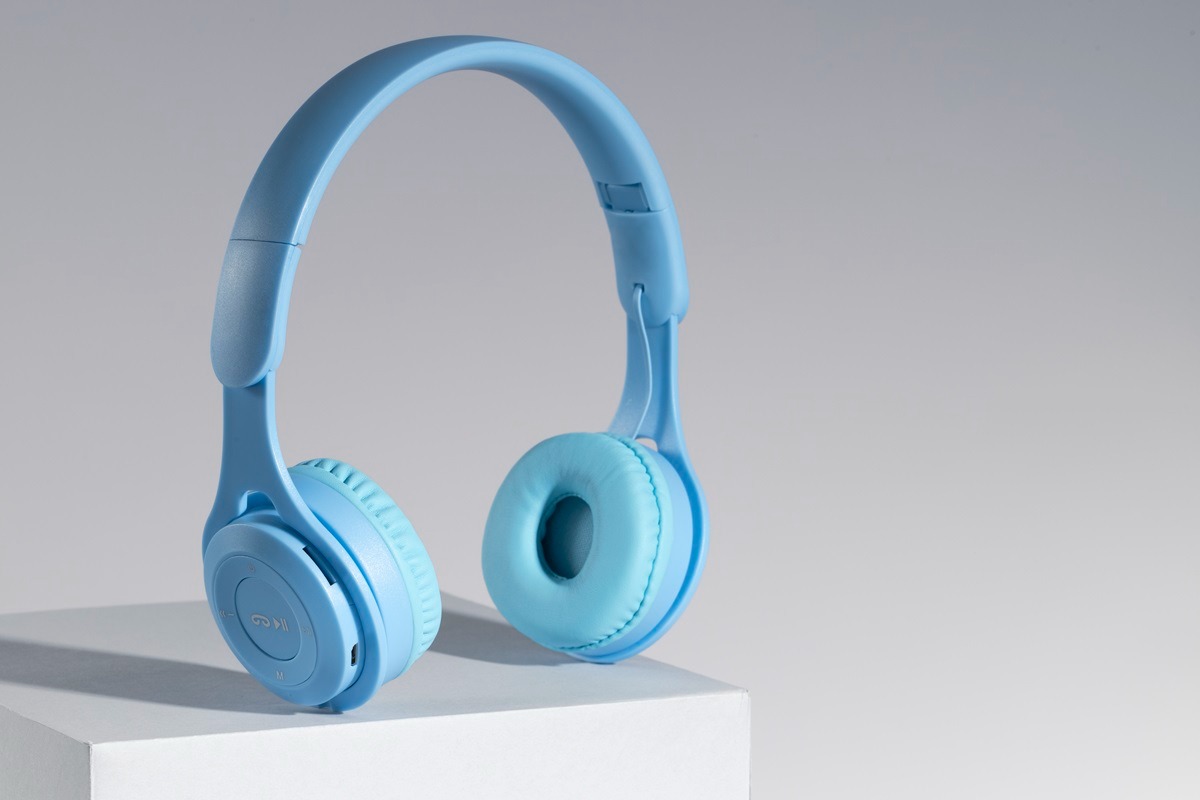
Wireless headphones have become common because they remove the cable from many everyday listening situations. cloudbytetech.com offers readers another place to explore technology products and practical information about modern audio equipment. People use wireless headphones while commuting, working, studying, exercising, traveling, and making calls. The convenience can be useful, but wireless models also introduce battery, connection, software, and compatibility considerations. Not every feature matters equally for every person. Understanding how wireless headphones behave during ordinary use can help buyers choose a model that fits their routine instead of selecting based only on advertised specifications.
Check Bluetooth Compatibility
Bluetooth allows compatible devices to communicate without a physical audio cable, but compatibility still deserves attention before purchase. Phones, tablets, laptops, and other devices can support different Bluetooth features depending on their hardware and software. A newer headphone does not necessarily provide every feature when connected to an older device. Supported audio codecs can also differ between the headphone and source device. Basic playback will often work when both devices support standard Bluetooth audio, but advanced features may depend on compatibility. Checking the devices already owned can prevent confusion when setting up new wireless headphones for everyday use.
Understand Pairing Behavior
Pairing is the process that allows wireless headphones to connect with a device for the first time. Most modern headphones provide a straightforward pairing process, although controls can differ between models. Some products support multipoint connections, allowing the headphones to remain connected to more than one compatible device. This can be useful for people who switch between a work laptop and personal phone. Other models may require manual reconnection whenever the user changes devices. Understanding pairing behavior before purchase can save time later. The most useful system is usually the one that matches the way a person actually moves between devices during the day.
Review Battery Runtime
Battery life becomes part of everyday wireless headphone ownership because the device cannot continue operating indefinitely without charging. Advertised runtime is generally measured under particular conditions and can change when additional features are enabled. Noise cancellation, high volume, microphone use, and other functions may increase battery consumption. People who mainly use headphones for short sessions may not need extremely long runtime. Frequent travelers may value longer battery life because charging opportunities can be limited. Charging speed should also be considered because a quick top-up can be useful when the battery becomes low unexpectedly.
Consider Connection Stability
Wireless connection quality can influence how enjoyable headphones are during everyday use. Physical distance, walls, interference, device placement, and surrounding wireless equipment can affect the connection. Most users may never experience serious problems under normal conditions, but unusual environments can reveal limitations. Audio interruptions can become especially frustrating during calls or when listening while moving between rooms. Users should avoid assuming that every wireless headphone performs identically simply because both products use Bluetooth. Reliable reviews and practical testing can provide useful information about real connection behavior.
Look At Audio Delay
Audio delay may matter when wireless headphones are used for gaming, video editing, or other activities where sound needs to match visual movement closely. Music listening may not reveal small delays in the same way because there is no obvious visual reference. Some devices and headphones use software features designed to reduce latency during supported activities. However, performance depends on both the source device and headphone system. People who mainly watch videos should check whether the device automatically manages synchronization. Gamers should pay closer attention because even a small delay can become noticeable during fast actions.
Use Noise Control
Noise cancellation can make wireless headphones useful in busy environments, especially during travel or office work. Active noise cancellation uses microphones and processing to reduce certain surrounding sounds. The effect can be particularly noticeable with steady background noise, while sudden sounds may remain audible. Some models also provide transparency modes that let users hear environmental sounds without removing the headphones. This can be useful when walking through public areas or listening for announcements. Noise control should therefore be viewed as a practical feature with specific situations where it becomes useful rather than as a promise of complete silence.
Check Charging Options
Charging methods can affect how convenient wireless headphones become over several months of use. Many models use standard charging connectors, while some products support wireless charging through compatible cases or accessories. Users should check what charging equipment comes with the product before buying. A proprietary charging system may become inconvenient when traveling without the required accessory. Charging cases can also provide additional power for smaller earbuds. The important question is whether the charging method fits the devices and accessories already used at home and while traveling.
Review App Features
Some wireless headphones depend on companion applications for advanced settings and updates. These applications may provide equalizer controls, firmware updates, button customization, battery information, or noise-control adjustments. Such features can be useful, but they may also require permissions and account setup. People who prefer simple devices may not want to manage another application regularly. Buyers should therefore consider whether software features genuinely improve their intended use. A headphone with fewer options can sometimes be easier to operate when the listener mainly wants reliable playback and simple controls.
Think About Calls
Wireless headphones are frequently used for phone calls and online meetings, so microphone performance deserves attention. Multiple microphones and software processing can help reduce background noise and improve voice pickup. However, performance can change significantly between quiet rooms and busy outdoor environments. People who attend frequent meetings should check real microphone demonstrations before purchasing. Headphones designed mainly for music may not provide the same communication performance as models designed with calls in mind. Choosing according to actual use can prevent frustration when the headphones are suddenly needed for an important conversation.
Conclusion
Wireless headphones can provide useful freedom from cables, but their everyday performance depends on several connected features. Bluetooth compatibility, pairing, battery life, connection stability, audio delay, noise control, charging, software, and microphone quality can all matter in different situations. Buyers should focus on the features that match their own devices and daily habits rather than assuming every wireless model will behave the same way. A little research before purchase can prevent many common setup and usage problems. cloudbytetech.com can provide additional technology information for readers exploring wireless headphones and other modern audio equipment. The most useful wireless headphone is generally the one that fits naturally into the user’s existing routine.
Read also :-